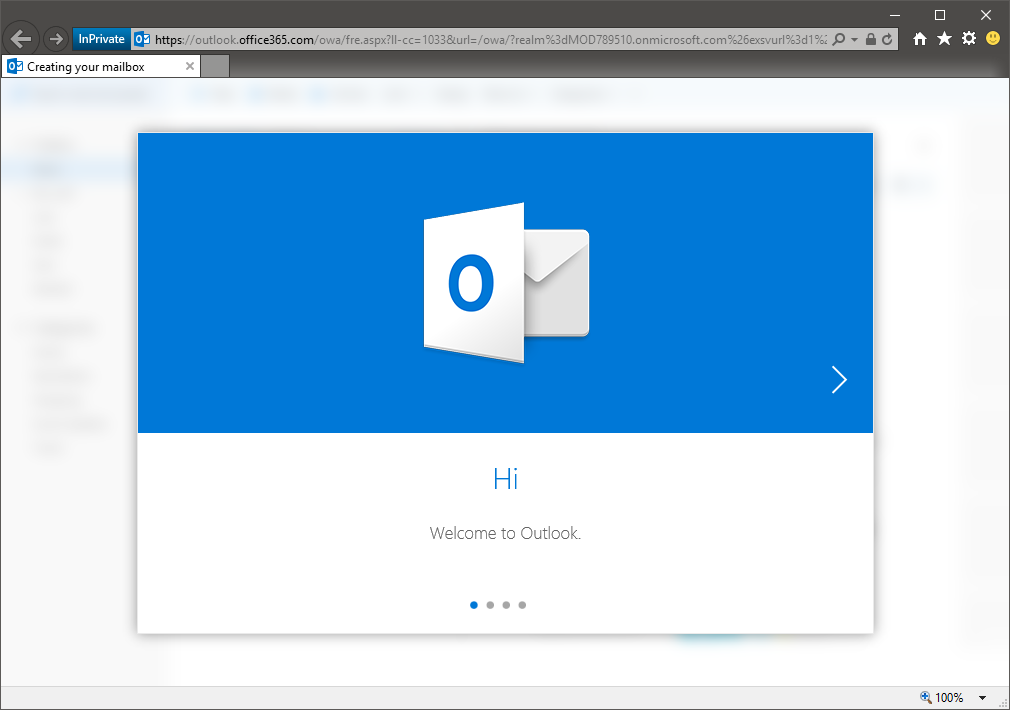
The new First Run experience for OWA has started rolling in a datacenter near you. Here are some screenshots of the steps the user is taken trough:
- The initial screen, Welcome to Outlook
- Setting up the Time zone and Language settings

- Selecting your Theme. A “tenant default” option would be handy here.

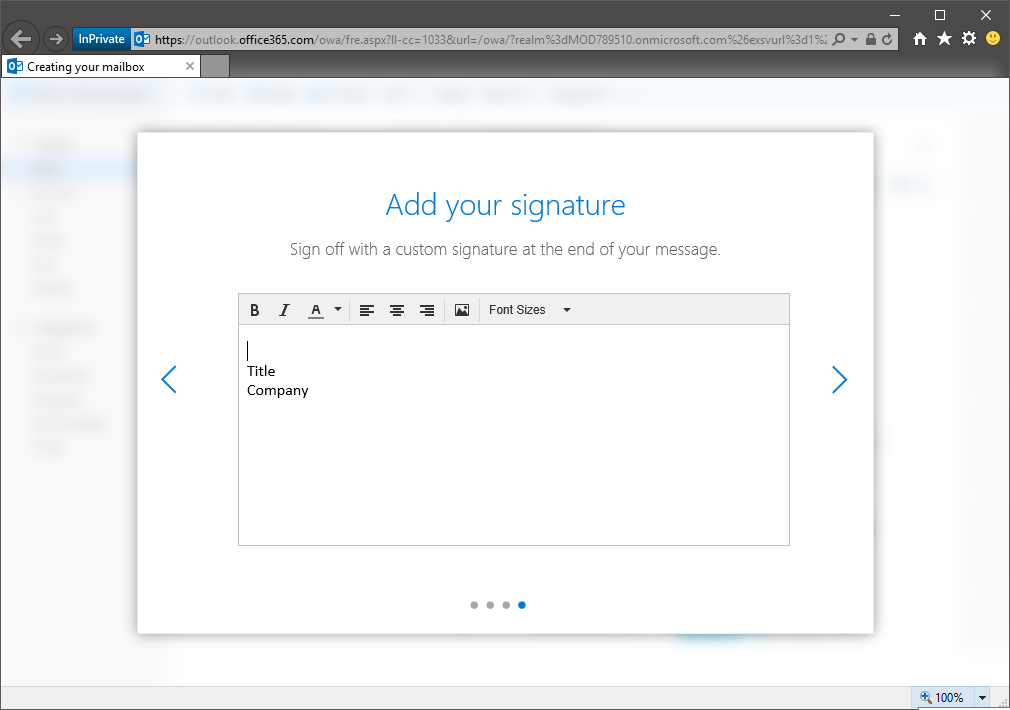
- Lastly, configure your Signature. Still no connection to Outlook on that part 🙂
- Finalizing
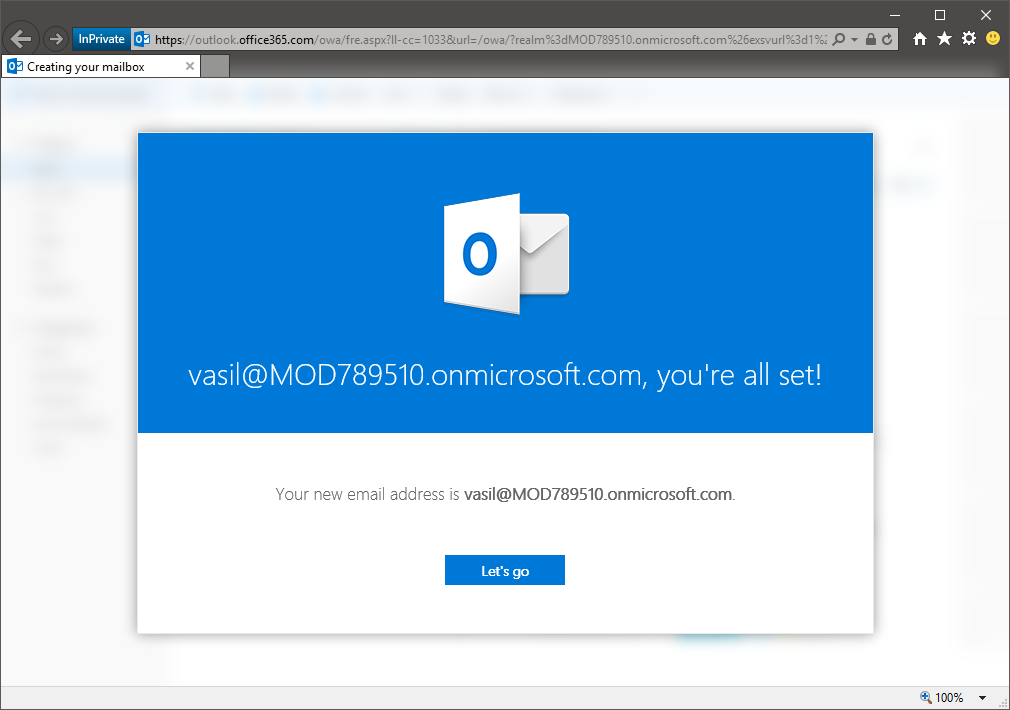
- All set up!
As you might notice from the above screenshots, I was using a Demo tenant, so it might take a while for the feature to hit Production servers. It’s already listed under Rolling Out on the Roadmap though, so it should happen soon!